
Deposit & Withdraw
- Log in to your Donut AI account
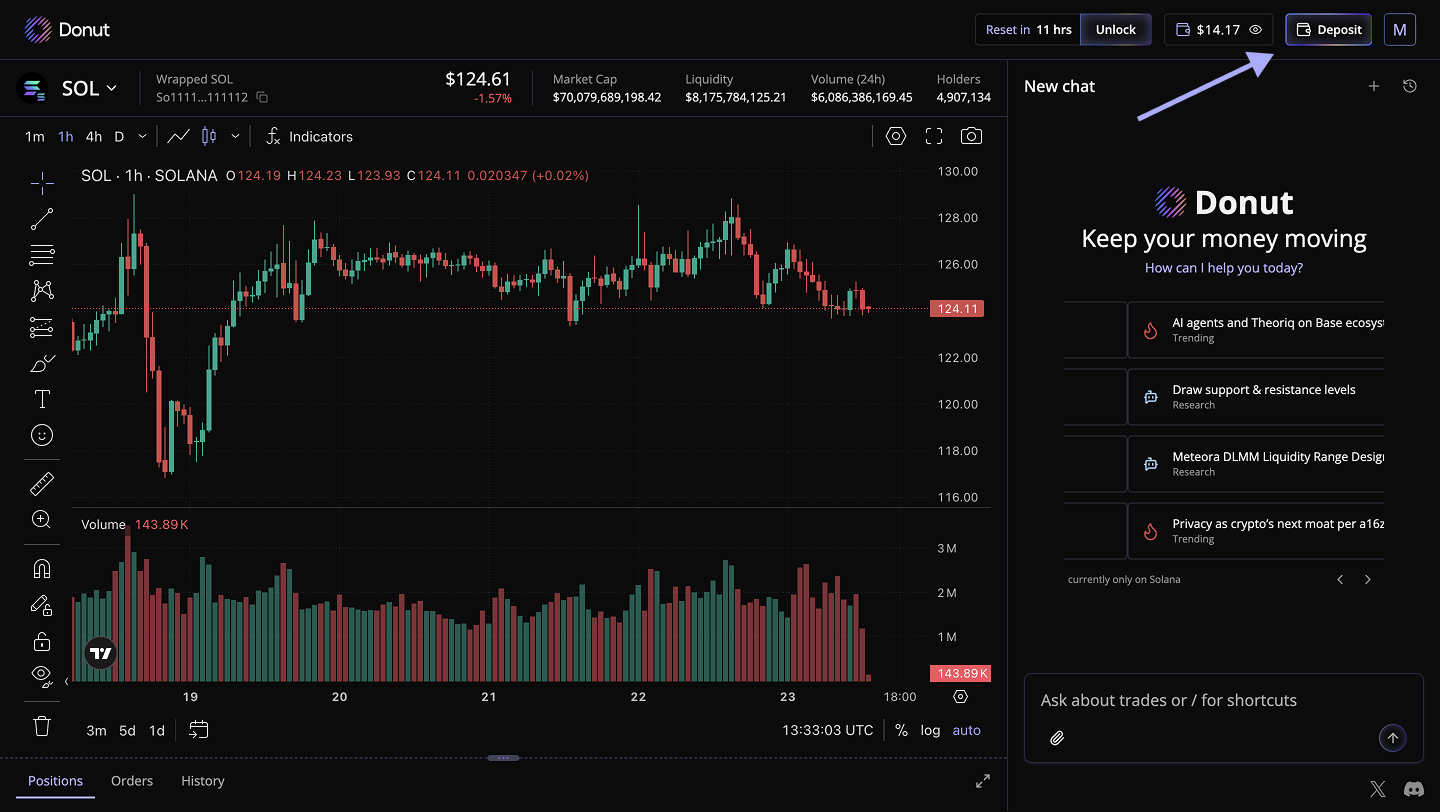
- Click “Deposit” in the top-right corner
- ⚠️ CRITICAL WARNING: Only the Solana network is supported. Deposits from other networks will result in permanent loss of funds.
- Copy the displayed deposit address
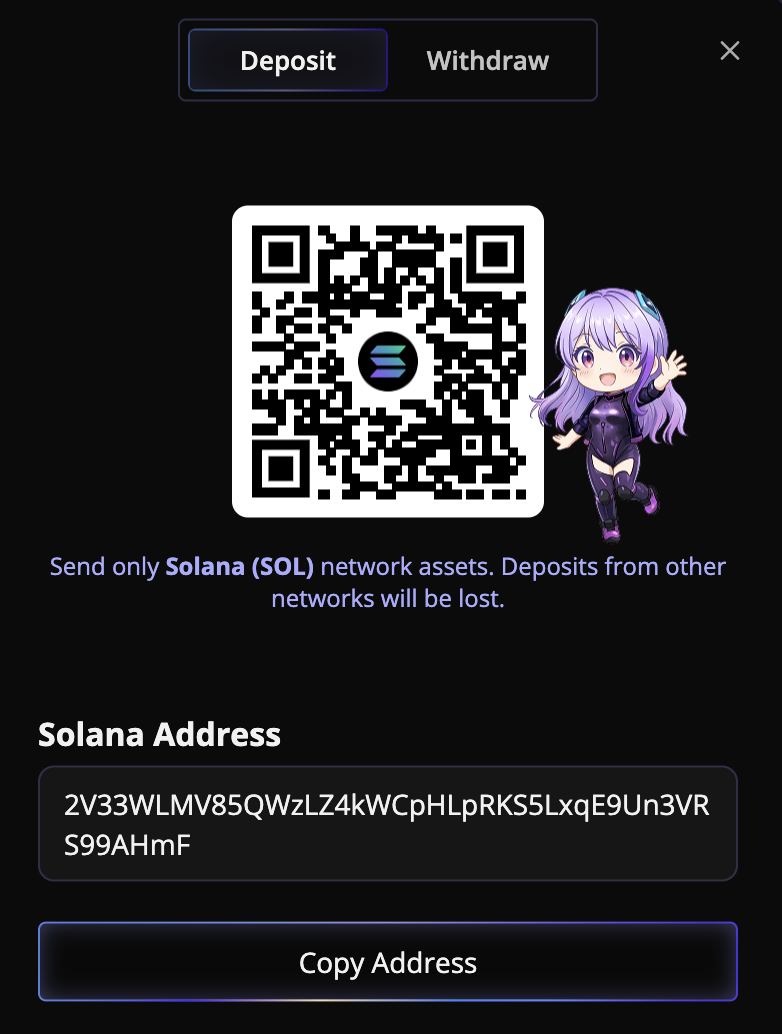
- Send funds to this address from your Solana wallet
- Wait for network confirmation
Withdraw
- Click "Deposit" in the top-right corner
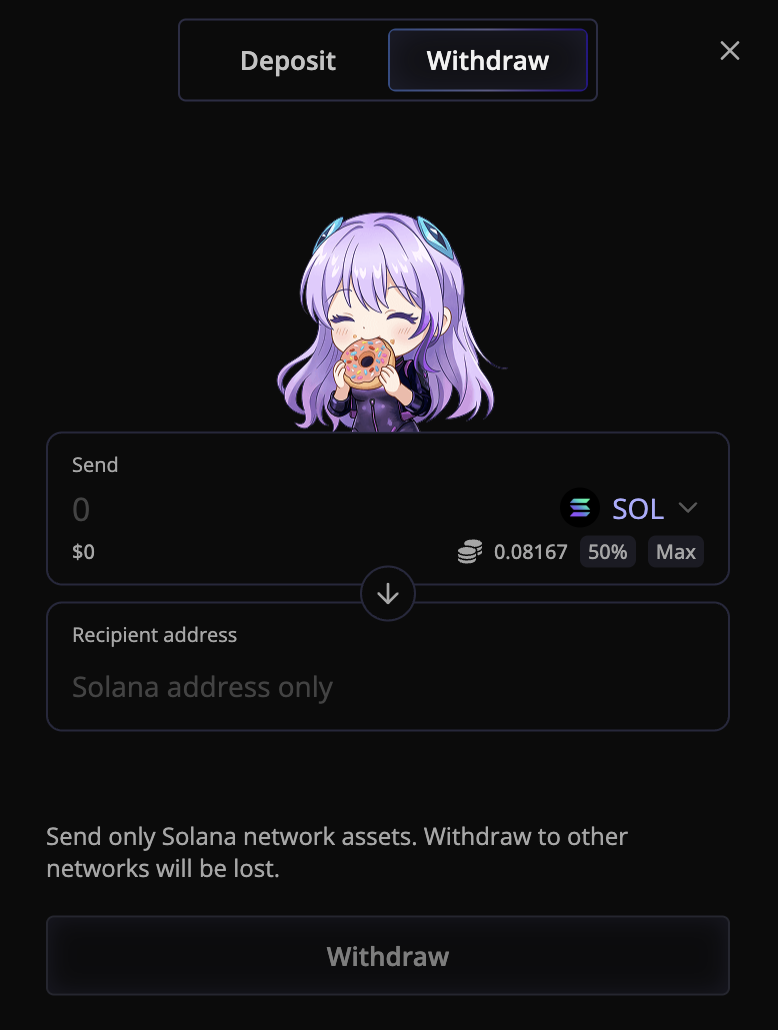
- Navigate to the Withdraw section
- Input the amount you want to send and the receiver's address
- Click "Withdraw"
Important Notes:
- Make sure to select the correct network, or your funds may be lost
- Double-check the deposit address before sending
- Perform a small test transaction if possible